



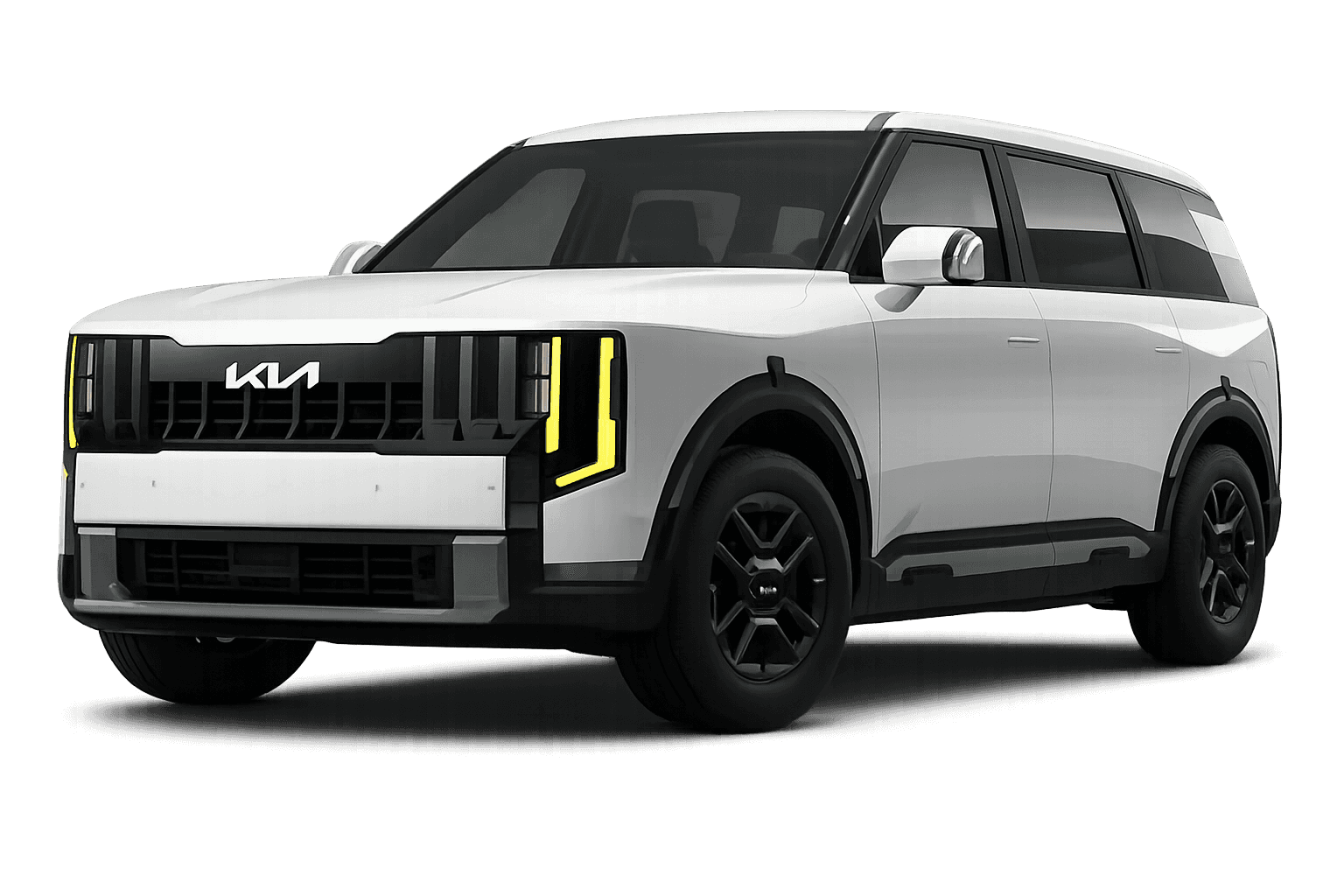
 Telluride Hybrid
Kia Software Updates: Why Your Infotainment and Recall Checks are Best Handled at the Dealer.
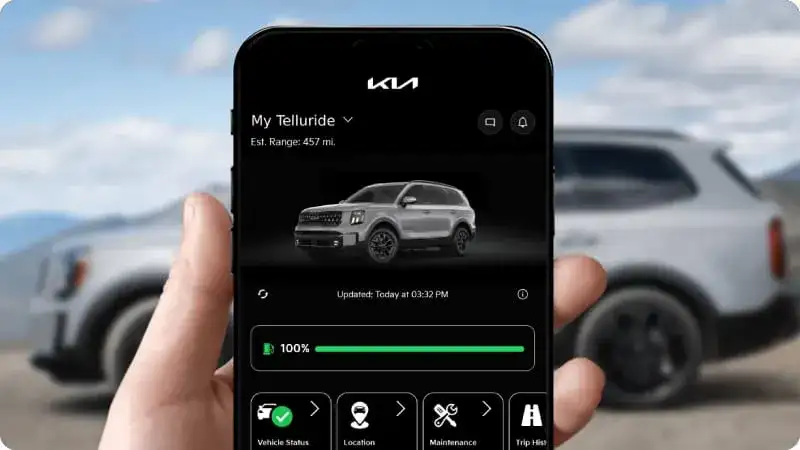
A Kia Telluride owner came into our service bay last month after his infotainment system had been freezing and rebooting on his daily commute on I-675 between Beavercreek and Kettering for nearly six weeks. He had taken it to an independent electronics shop near Fairborn that performed a generic Android system reset, assuming the underlying platform was similar enough to a consumer device to respond to the same approach. The reset cost $145 and the freezing returned within three days. The correct diagnosis at our facility identified a known software conflict addressed in a Kia-specific update package that had been available for four months. The update took 55 minutes and cost $95, and the system has not frozen since.
Kia’s current vehicle lineup is more software-dependent than any previous generation of Kia products, and the gap between what factory-trained technicians with Kia-specific diagnostic access can do for a software issue and what an independent shop without that access can do is wider than most owners realize. The infotainment systems in the current Telluride, Sportage, Sorento, EV9, and K4 are not consumer electronics devices with standardized operating systems that respond to generic troubleshooting procedures. They are proprietary platforms running manufacturer-specific software that is updated, patched, and recalled through Kia’s factory service infrastructure and only through that infrastructure. A reset that works on an Android tablet does not address a Kia-specific software conflict because the underlying platform, the update delivery mechanism, and the diagnostic log structure are all specific to Kia’s system architecture.
For Beavercreek and Greene County drivers who use their vehicles heavily on I-675, US-35, and the SR-725 corridor through Centerville, a functioning infotainment system is not a luxury consideration. Navigation reliability, wireless CarPlay connectivity, and the integration between the infotainment platform and the driver assistance features that share its processing resources all affect the daily driving experience in ways that a persistent software issue degrades consistently. At Kia of Beavercreek, we resolve more software-related infotainment complaints correctly on the first visit than any other service category, and the reason is straightforward: we have the diagnostic tools, the update access, and the recall database that the job requires.
What Kia’s Software Architecture Actually Involves
Current Kia vehicles use a multi-layer software architecture where the infotainment system, the vehicle’s central control modules, the driver assistance suite, and the connected services platform all run on coordinated software versions that must be compatible with each other to function correctly. When Kia releases a software update, it is typically a coordinated package that addresses compatibility requirements across multiple layers simultaneously rather than a single update to one isolated component.
This coordination is what makes Kia-specific update delivery through the factory service infrastructure important rather than optional. An update applied out of sequence, an update applied without the diagnostic verification that confirms the current software state before installation, or a partial update that addresses one layer without the corresponding updates to dependent layers can produce new issues that did not exist before the update attempt. The independent shop that reset the Telluride owner’s system without reading the diagnostic log first had no visibility into which specific software conflict was producing the freezing behavior, which is why the reset produced the same conflict again within three days.
Recall-related software updates are a specific subset of this broader picture that carry additional importance. Kia issues software recalls for conditions that range from safety-relevant behavior in driver assistance systems to compliance requirements in emissions management software. These recalls are tracked through Kia’s owner notification system, but notification does not always reach every affected owner, and the update that addresses a recall condition is only available through Kia’s factory service infrastructure. An independent shop cannot apply a recall software update because the update package is not accessible outside the factory service network.
Why Greene County Driving Makes Software Reliability Matter 🔧
The driving environment around Beavercreek and the broader Greene County area creates specific conditions where infotainment and software reliability affect the daily experience more directly than they would in lower-demand driving environments.
The I-675 corridor between Beavercreek and the Dayton area is one of the more consistently congested stretches in the Miami Valley during commute windows, and a navigation system that freezes or reroutes incorrectly during the morning approach to the US-35 interchange creates a real commute impact rather than a minor inconvenience. The Wright-Patterson Air Force Base traffic pattern around the Fairborn gate area creates similar conditions where reliable navigation and traffic awareness from a functioning infotainment system matters for time management during the commute. A system that is running a software version that predates Kia’s current map and traffic integration update is delivering a meaningfully different navigation experience than the current software provides on these specific corridors.
The wireless CarPlay and Android Auto integration that most Beavercreek Kia owners use daily is also software-dependent in ways that are specific to Kia’s platform version. Connectivity issues that appear after a phone operating system update, or after a Kia software update that was not accompanied by the corresponding wireless stack update, are addressed through Kia-specific update packages that independent shops cannot access. A freezing or dropping wireless connection on SR-725 is almost never a hardware issue. It is almost always a software compatibility issue between the phone’s current OS version and the Kia infotainment platform’s current wireless management software.
What Software Service Costs vs. What Misdiagnosis Costs 💰
The cost structure of Kia software service reflects the value of correct diagnosis on the first visit:
- Kia infotainment diagnostic and log review: $85 to $125
- Software update package application: $75 to $115
- Recall software update (covered under recall): $0 out of pocket
- Wireless connectivity reconfiguration: $65 to $95
- Full system software restoration: $145 to $220
Correct diagnosis and resolution on first visit: $85 to $220 for most common issues
Misdiagnosis pathway costs:
- Generic reset without log review (symptom returns): $120 to $180 per visit
- Multiple generic attempts before correct diagnosis: $240 to $540
- Unnecessary hardware replacement based on incorrect diagnosis: $380 to $900
- Subsequent correct diagnosis and software resolution: $85 to $220
- Combined cost of getting it wrong first: $465 to $1,120 for issues that correct diagnosis resolves for $85 to $220
The diagnostic log that our technicians read before any software service is the most valuable asset in the resolution process, and it is the asset that a generic reset destroys before the correct diagnosis can be made.
When a Recall Update Resolved More Than Expected
A Kia Sportage owner from Xenia came in last spring after her navigation system had been providing routing suggestions that she described as inconsistent with her knowledge of the SR-35 and US-35 corridors she drives daily. She had assumed the map data was simply outdated and had been planning to purchase a map update. When our technician connected the diagnostic system, we identified an open software recall on her vehicle that addressed a navigation routing algorithm issue in the specific software version her Sportage was running. The recall update was applied at no charge in 40 minutes. Her navigation behavior on the SR-35 corridor normalized immediately. The map update she had been planning to purchase, which would not have addressed a routing algorithm issue, would have cost $200 and left the underlying problem in place.
Warning Signs Your Kia’s Software Needs Attention ⚠️
These indicators suggest a software issue that requires factory diagnostic access rather than a generic troubleshooting approach:
Infotainment system that freezes or reboots on a regular cycle: A single reboot is within normal parameters for any complex software platform. Recurring freezes, particularly if they correlate with specific actions like connecting a phone or switching between navigation and audio, indicate a software conflict that a log review will identify precisely.
Wireless CarPlay or Android Auto that drops at consistent points on your commute: Connectivity dropout that happens at the same location on I-675 or SR-725 on a regular basis points to a software-level wireless management conflict with a specific cellular band transition rather than a general hardware issue. This is addressable through a Kia-specific update in most cases.
Navigation that routes incorrectly on familiar roads: If your Kia’s navigation suggests routes on the I-675 and US-35 interchange that your experience tells you are suboptimal, or if it misidentifies road geometry in the Beavercreek and Fairborn area, a routing algorithm issue addressed in a pending software update may be the cause rather than outdated map data.
Driver assistance features that behave inconsistently after a software update: Kia’s Drive Wise suite shares processing resources with the infotainment platform on current vehicles. A software update that modified infotainment resource allocation can affect Drive Wise feature behavior in ways that appear as driver assistance issues but trace to infotainment software changes.
Recall notification that arrived but has not been addressed: If you have received a recall notice from Kia and have not yet brought the vehicle in for the software update the recall addresses, that service is overdue regardless of whether symptoms are present. Recall software updates address conditions that Kia has determined warrant correction across the affected fleet.
Voice recognition that stopped responding after a phone OS update: Kia’s voice recognition integrates with the phone’s voice assistant through a software bridge that is updated through Kia’s infotainment update packages. A phone OS update that broke the voice recognition connection is almost always correctable through a Kia infotainment update rather than a hardware service.
Connected services that show offline in areas with reliable coverage: The connected services module in current Kia vehicles uses a separate cellular connection managed by Kia-specific software. Persistent offline status near the Beavercreek Golf Club or the Cornerstone of Centerville area, where coverage is reliable, indicates a module software issue addressable through factory diagnostic access.
What Our Service Team Says
“The most important thing I tell Beavercreek owners who come in with infotainment complaints is to come to us before trying anything at an independent shop, because the diagnostic log is the most valuable thing we have in these situations and a reset clears it. Once it is gone we can still diagnose the issue but it takes longer and sometimes costs more because we are working without the system’s own record of what happened. Kia’s software platform is not a consumer device. It is a proprietary system that requires proprietary tools, and the outcomes for owners who bring software issues here first are consistently better than for owners who come here after a failed attempt somewhere else.” — Kevin Slade, Infotainment Systems Advisor, Kia of Beavercreek
When Factory Access Made the Difference
David drives a Kia EV9 between Beavercreek and his workplace near the Greene County Airport and had been managing a charging display that showed incorrect state-of-charge information during DC fast charging sessions at the station near the I-675 and Wilmington Pike interchange. The display was showing the charging session as complete before the battery had actually reached the target state of charge, causing him to unplug early and arrive at his workplace with less charge than he planned for. He had spent three weeks troubleshooting the charger network’s app and the EV9’s charging settings before coming to us. Our diagnostic identified a software conflict between the EV9’s charging management module and the most recent connected services update that had been applied over the air. A targeted software correction resolved the display accuracy issue completely in 70 minutes for $110. Three weeks of managing around the issue, including one unplanned charging stop near the Fairborn gate, had cost him more in time than the service cost in money.
Your 30-Day Software Health Check
This week, go to Kia’s owner portal or the Kia Connect app and verify whether any software updates or recall notices are associated with your vehicle’s VIN. Kia’s owner portal provides a current recall status for your specific vehicle that reflects the most recent recall database, and a notice that has not been addressed is the most straightforward action item the check can produce. This review takes less than five minutes and gives you current information about your vehicle’s recall status that you may not have received through the mail notification process.
Within two weeks, pay deliberate attention to your infotainment system’s behavior during your normal commute on I-675 or SR-725 and note any of the warning signs described above. A pattern that correlates with a specific action, a specific location on your commute, or a specific time since your last software update is the most useful information you can bring to a service visit, because it narrows the diagnostic search from a general software complaint to a specific conflict that the log review can confirm.
By month’s end, schedule a software health check at Kia of Beavercreek if any of the warning signs have appeared or if your vehicle has not had a software version verification since your last service visit. Our team can connect the vehicle to Kia’s diagnostic system, review the current software version across all modules against the current release for your model year, check the recall database for any open items on your VIN, and apply any available updates in the correct sequence with post-update verification. These steps take less than a morning and ensure that the software running your Kia’s most important systems is current, correct, and documented.
Schedule Your Software Service at Kia of Beavercreek
The Telluride owner whose generic reset cost him $145 and three more days of freezing behavior came back to us after that experience and has since established a software check as a standing item at every service visit. His infotainment system has been running without issue through two subsequent software update cycles, and his wireless CarPlay connection on the I-675 commute has been stable since the correct update was applied on the first visit to our facility. The diagnostic log was intact when he came to us. That made the difference between a 55-minute correct resolution and the open-ended troubleshooting process that a cleared log would have required.
Visit us at Kia of Beavercreek, 2220 Heller Dr, Beavercreek, OH 45434. Our service department is open Monday through Saturday. Schedule your software health check online through our website or speak with one of our service advisors directly. We serve drivers from Beavercreek, Fairborn, Xenia, Kettering, Centerville, and throughout Greene County. Your Kia’s software is as important as its hardware. Make sure it’s being serviced by the team that actually has access to it. 💡

0 comment(s) so far on Kia Software Updates: Why Your Infotainment and Recall Checks are Best Handled at the Dealer.